Go to app.amplikite.com/sign-up, or choose Get started on this website. It takes a minute.
Sign up with your email
- Type your name and your email address.
- Choose a password of at least 8 characters, and type it again to confirm it.
- Name your workspace: your business or brand, such as Lumen Candles.
- Choose Create account.
- Open the email we send you, Confirm your email for Amplikite, and choose Confirm my email. The link works once, for 24 hours. It opens Amplikite signed in, and your workspace is ready. On another device, it asks you to sign in first.
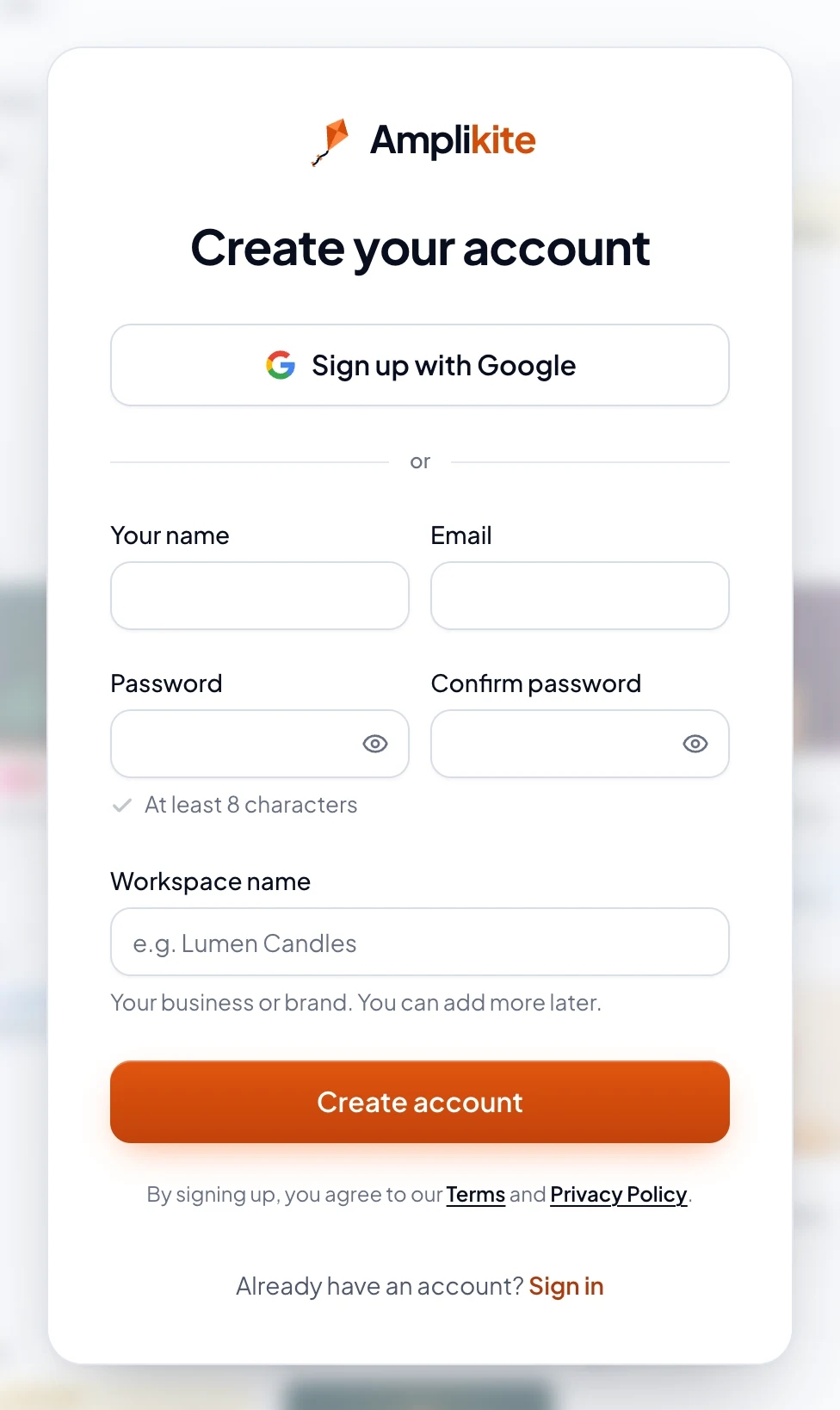
Or sign up with Google
Choose Sign up with Google and pick your Google account. There's no email to confirm: Amplikite asks you to name your workspace, and you're in. Next time, choose Continue with Google on the sign-in page.
Forgot your password?
On the sign-in page, choose Forgot password?, type your email and choose Send reset link. The link in the email lets you choose a new password. It works once, for one hour. Ask again, and only the newest link works. Once you use it, any other device signed in to your account is signed out.
By signing up, you agree to our Terms and Privacy Policy.
What's next
Home shows three quick steps: connect a social account, write your first post and invite your team. Start with Instagram, a Facebook Page or a YouTube channel.