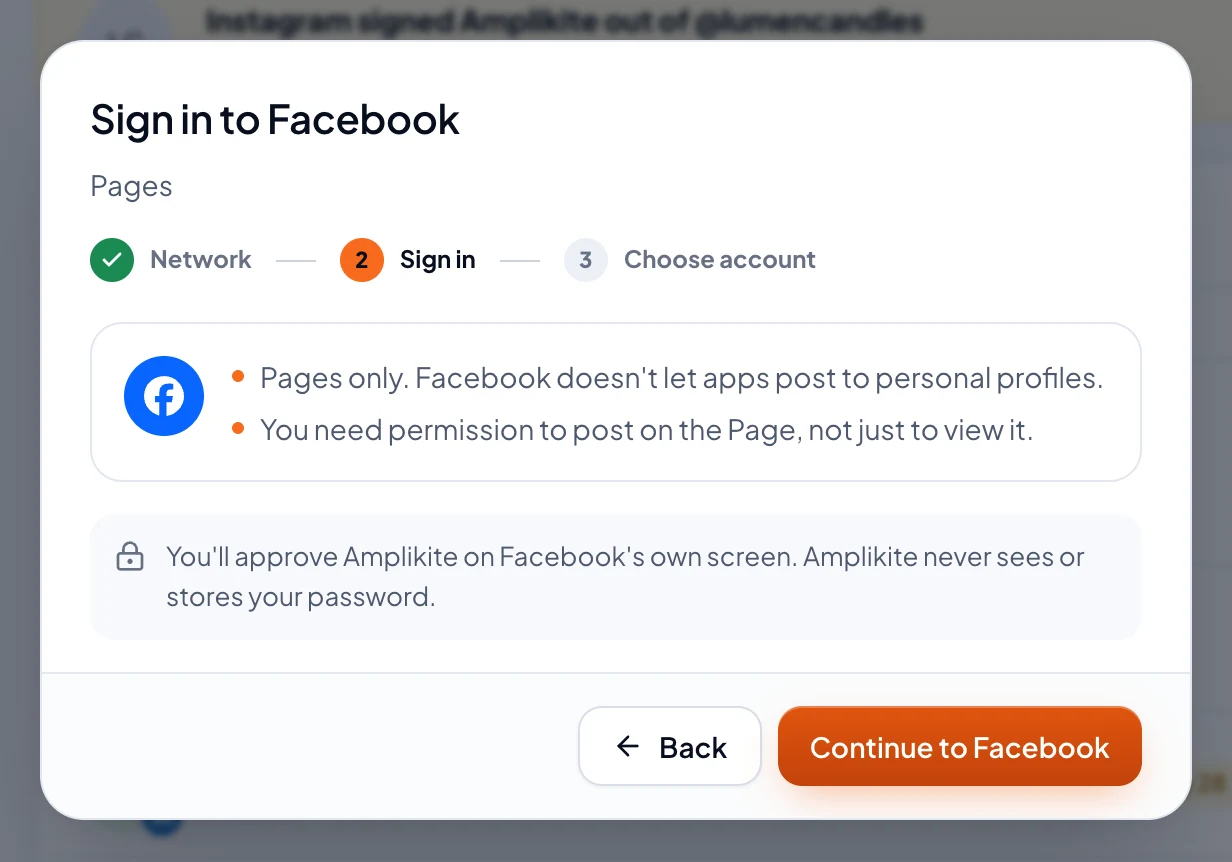
Amplikite posts to Facebook Pages. Facebook doesn't let apps post to personal profiles, so a profile can't be connected.
Your role on the Page has to let you create content, not just view it. If it doesn't, ask one of the Page's admins on Facebook first.
Connect it
Owners and Admins can connect accounts.
- In the sidebar, open Accounts and choose Connect account.
- Pick Facebook. Amplikite shows what Facebook allows before you sign in.
- Choose Continue to Facebook. Sign in on Facebook's own screen, pick the Pages Amplikite may use, and allow everything it asks for. Amplikite never sees or stores your password.
- Back in Amplikite, tick the Pages to connect and choose Connect account. It's ready for your next post.
What to know
- Each Page is its own account in Amplikite, and you can connect several at once.
- A post can be words alone, up to 10 photos, or one video. Stories take one photo or video.
- Once a post is out, Amplikite can change its words or delete it.
- Analytics shows each post's reactions, comments, shares and views.