You can connect your own LinkedIn profile. Company Pages come later.
Connect it
Owners and Admins can connect accounts.
- In the sidebar, open Accounts and choose Connect account.
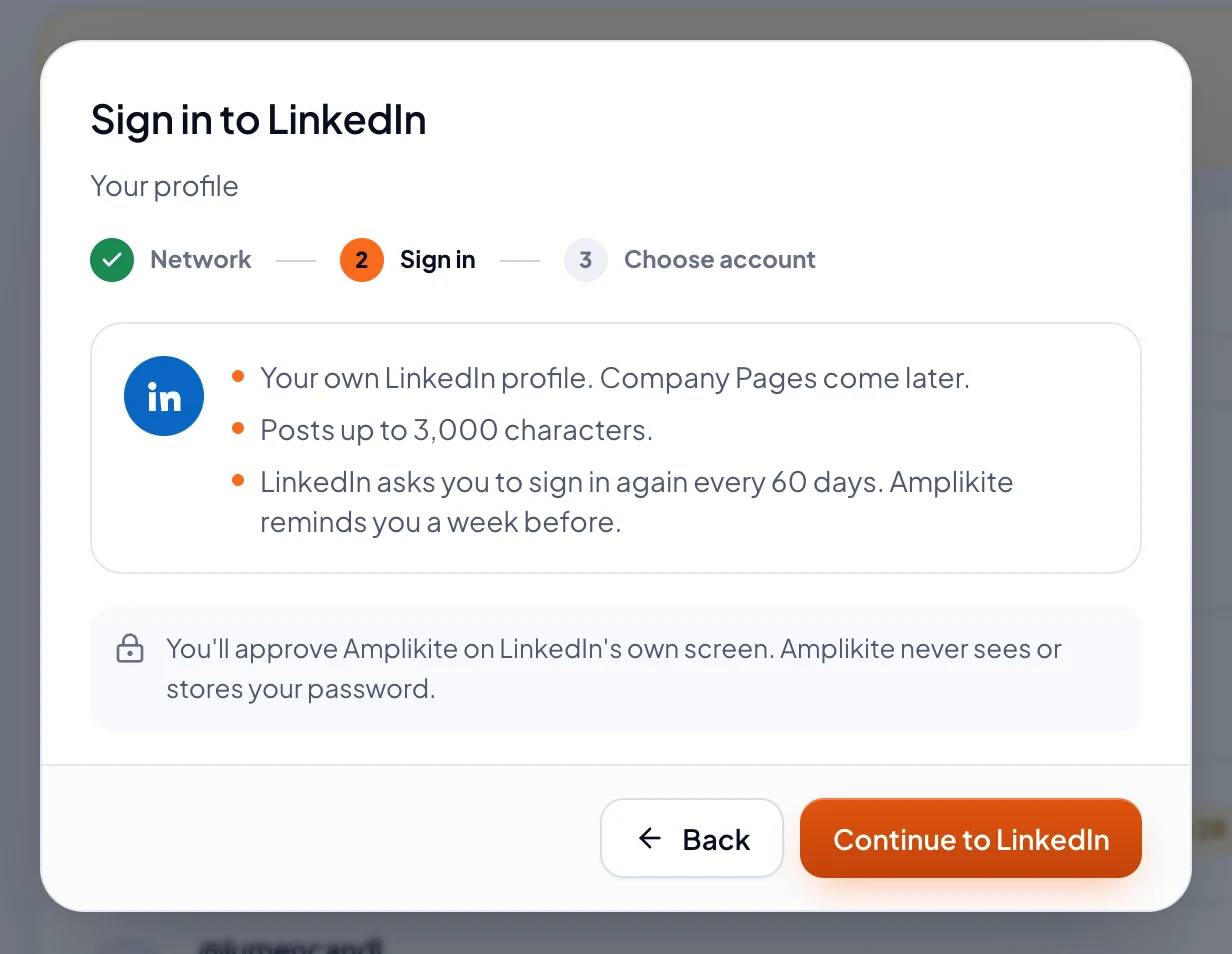
- Pick LinkedIn. Amplikite shows what LinkedIn allows before you sign in.
- Choose Continue to LinkedIn. Sign in on LinkedIn's own screen and allow Amplikite. Amplikite never sees or stores your password.
- Back in Amplikite, tick the profile to connect and choose Connect account. It's ready for your next post.
Sign in again every 60 days
LinkedIn ends an app's access to a profile every 60 days. A week before, Amplikite reminds Owners and Admins in the app and by email, and the profile on the Accounts page says Sign in again by and the date. Choose Renew now and sign in to LinkedIn: it takes a moment, and nothing else changes.
What to know
- Posts take up to 3,000 characters, with up to 20 photos or one video.
- Once a post is out, Amplikite can change its words or delete it.
- LinkedIn doesn't share numbers with Amplikite yet, so Analytics has none for your profile.