Amplikite posts to Instagram Business and Creator accounts. Instagram doesn't let apps post to personal accounts, but you can switch one to a Creator or Business account for free, in a minute.
Connect it
Owners and Admins can connect accounts.
- In the sidebar, open Accounts and choose Connect account.
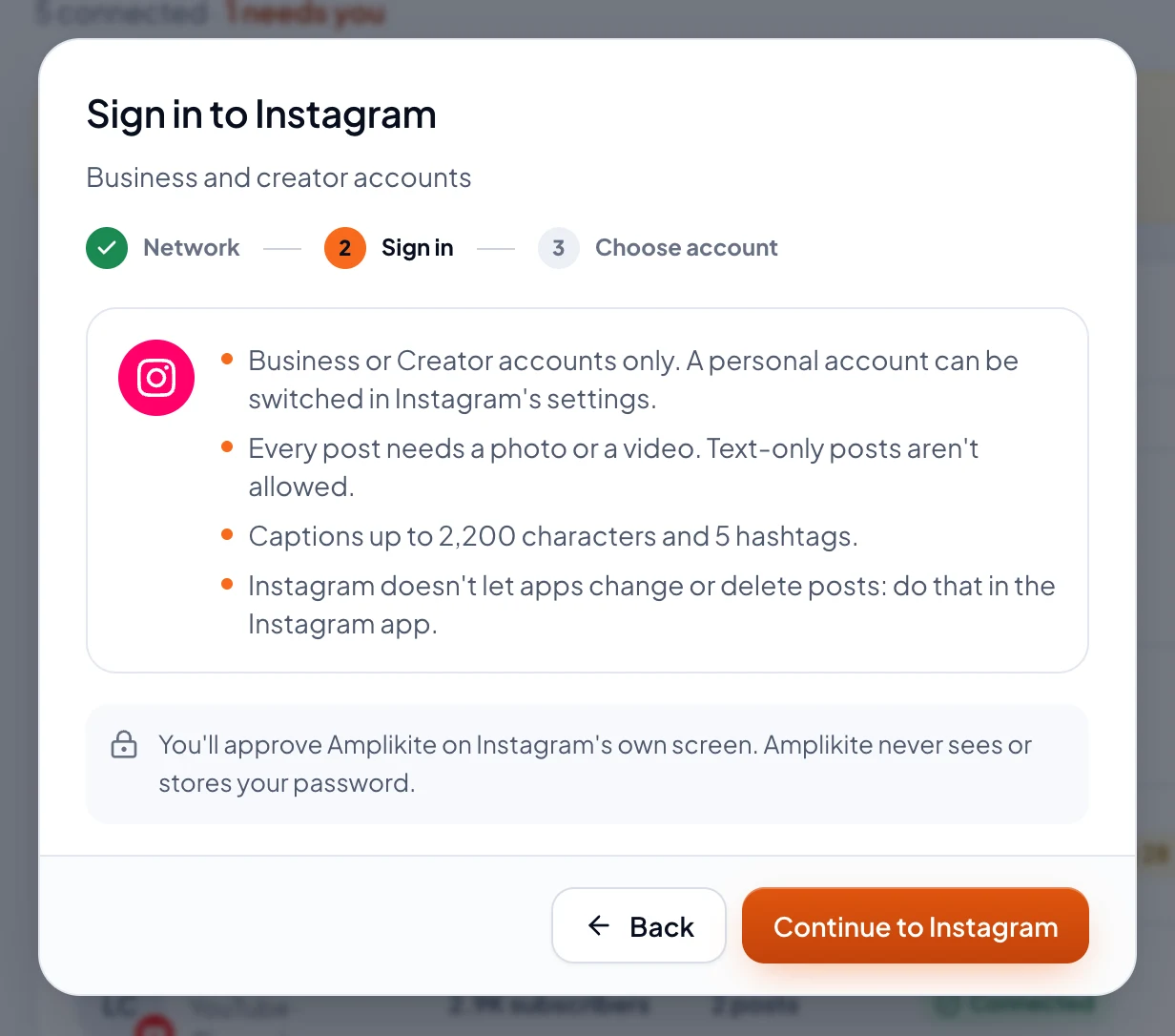
- Pick Instagram. Amplikite shows what Instagram allows before you sign in.
- Choose Continue to Instagram. Sign in on Instagram's own screen and allow Amplikite. You don't need a Facebook Page. Amplikite never sees or stores your password.
- Back in Amplikite, tick the account to connect and choose Connect account. It's ready for your next post.
What to know
- Every post needs a photo or a video. Up to 10 make a carousel, and a single video goes out as a Reel. Stories take one photo or video.
- Captions take up to 2,200 characters, 5 hashtags and 20 @mentions. More hashtags can go in the post's first comment.
- Instagram doesn't let apps change or delete posts. Do that in the Instagram app.
- Analytics shows each post's views, likes, comments and shares.