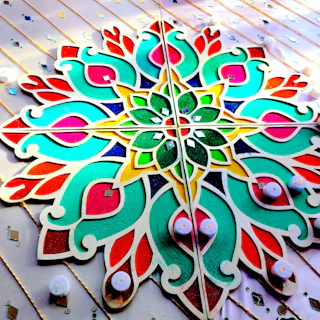





LClumencandlesHyderabad

1,204 likes
lumencandles 200 Diwali orders packed tonight 🎁 Yours ships tomorrow morning.
Amplikite is one calendar for all your social posts. Your team or client approves them first, Amplikite posts them on time, and you see what worked.
 Diwali offer: 20% off every handmade candleThu 5 Nov · 6:30 PM
1 of 5 published
1,204 likes
lumencandles Diwali offer: 20% off every handmade candle, this week only 🪔
Instagram · 4:5 portrait
Diwali offer: 20% off every handmade candle, this week only 🪔 Hand-poured in Hyderabad, wrapped by hand.
👍 ❤️ 86 · 12 comments
LinkedIn · 1.91:1 landscape
0:58Diwali offer: 20% off every handmade candle 🪔
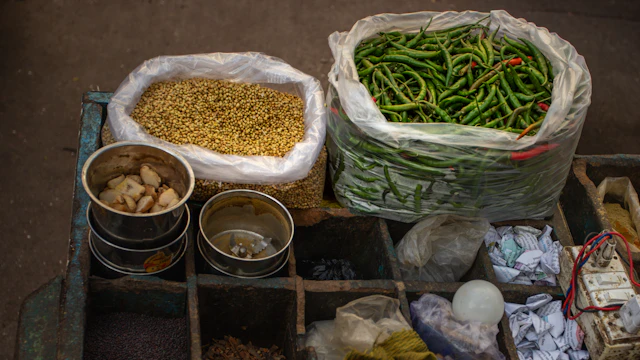 Choosing our next scent: a morning at the spice marketLumen Candles · 2.9K views
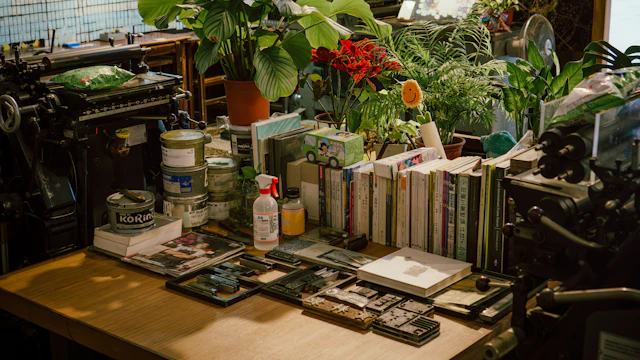 Melting wax at 6 AM: a day in our studioLumen Candles · 1.2K views
YouTube · 16:9 video
Diwali offer: 20% off every handmade candle, this week only 🪔
👍 ❤️ 23018 comments · 4 shares
Facebook · 1:1 square
Diwali candles, hand-poured in Hyderabad
Pinterest · 2:3 tall pin
Amplikite puts all of it in one place.
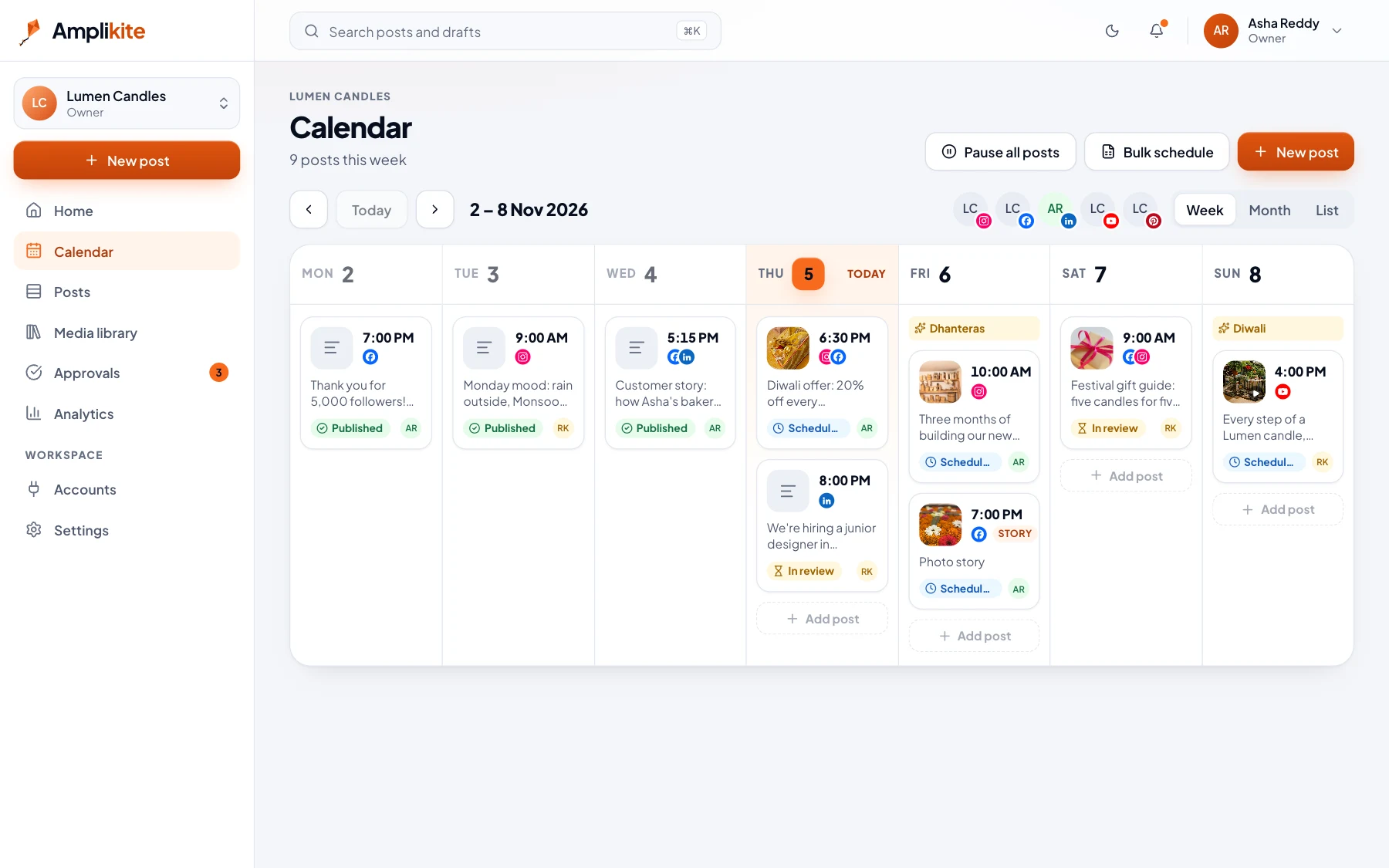
Here’s how a week of posts goes with Amplikite, using a candle shop’s workspace.
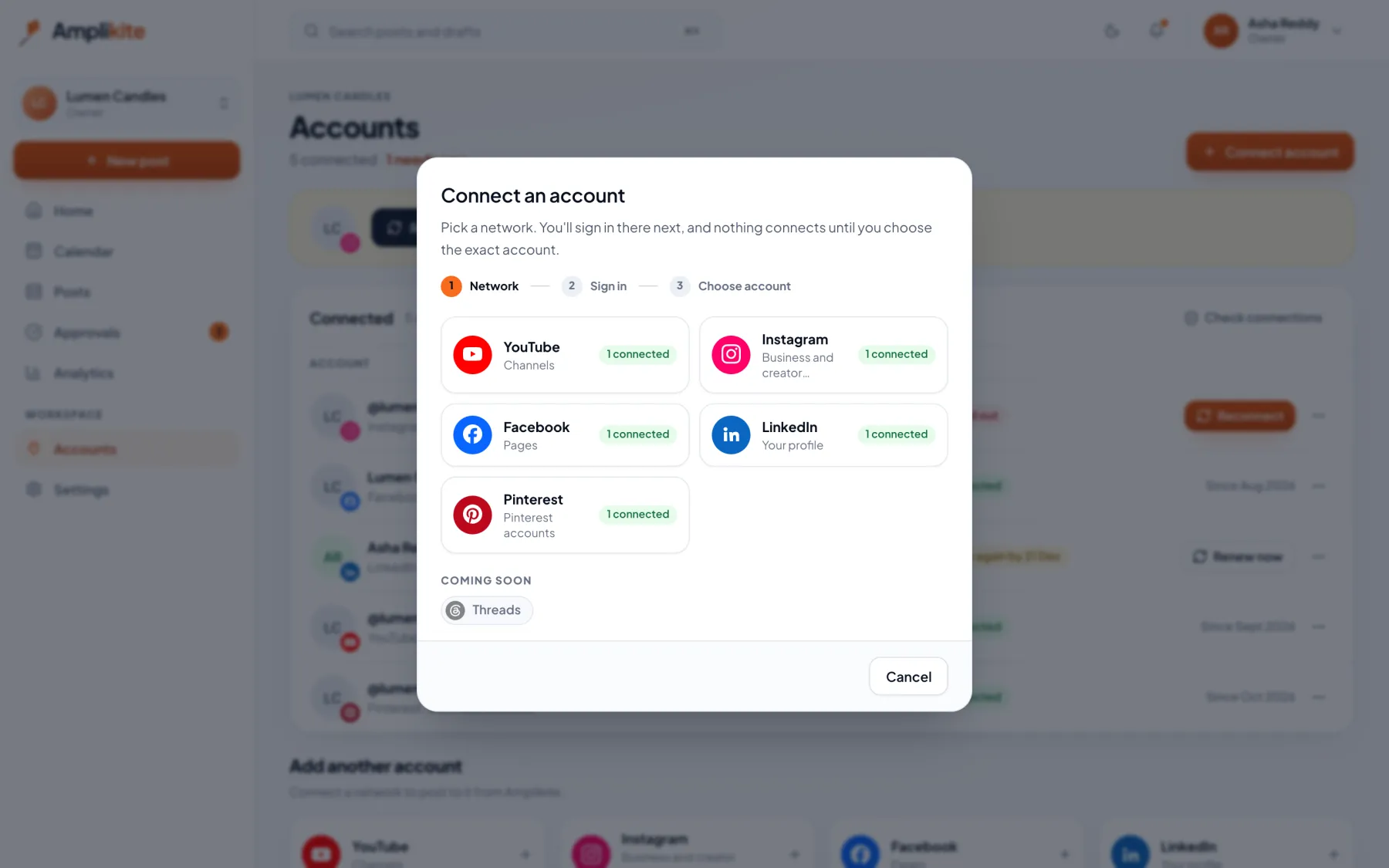
Approve Amplikite on each network's own screen. It never sees your passwords, and you can disconnect an account at any time.
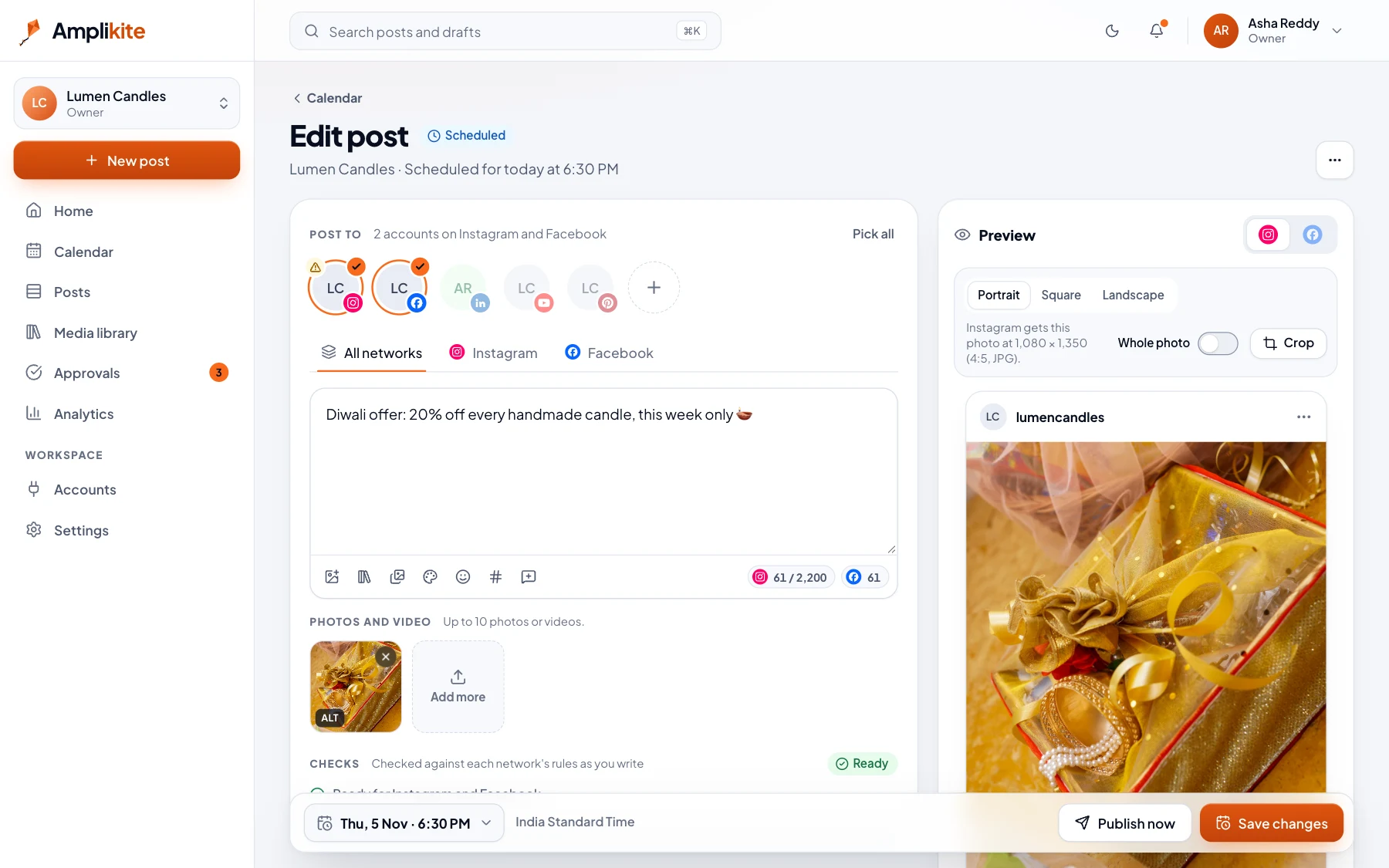
Write one post and Amplikite fits it to each network: photo sizes, caption limits, and a preview of exactly how it will look.
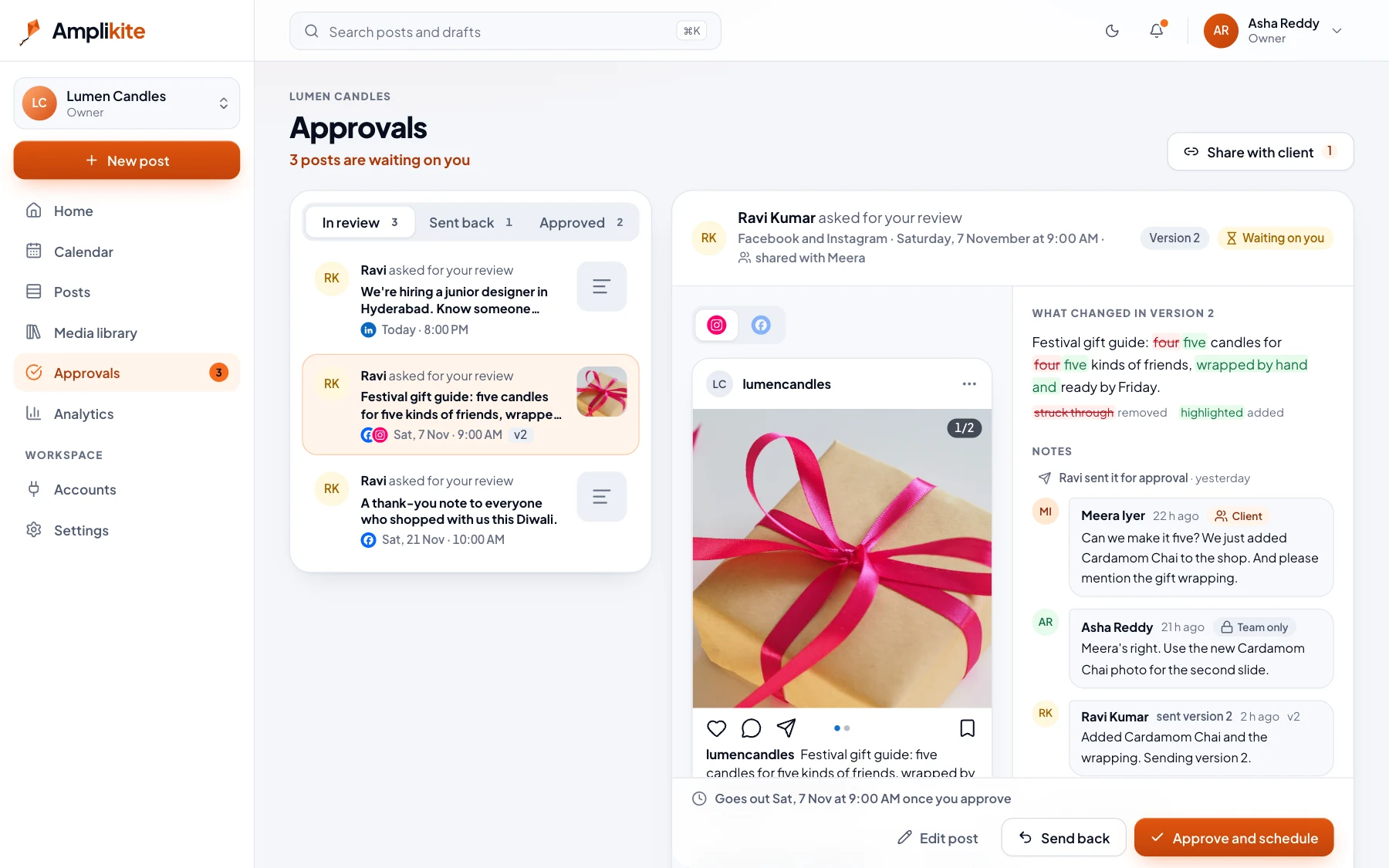
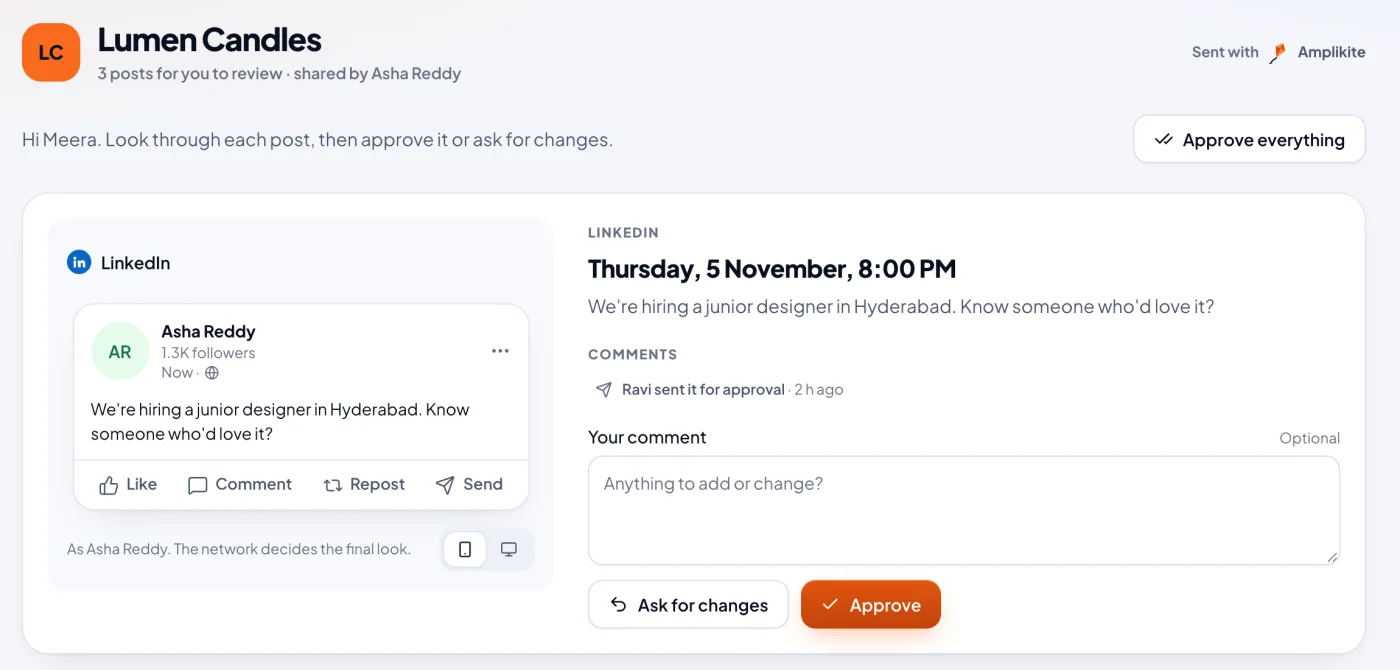
Your team or your client approves each post first. They can ask for changes, and everyone sees what changed between versions.
Approved posts go out on the minute, on every network at once. Drag a post to another day to move it.
Views, engagement and followers for every post and network in one place, and the best times to post, worked out from your own results.
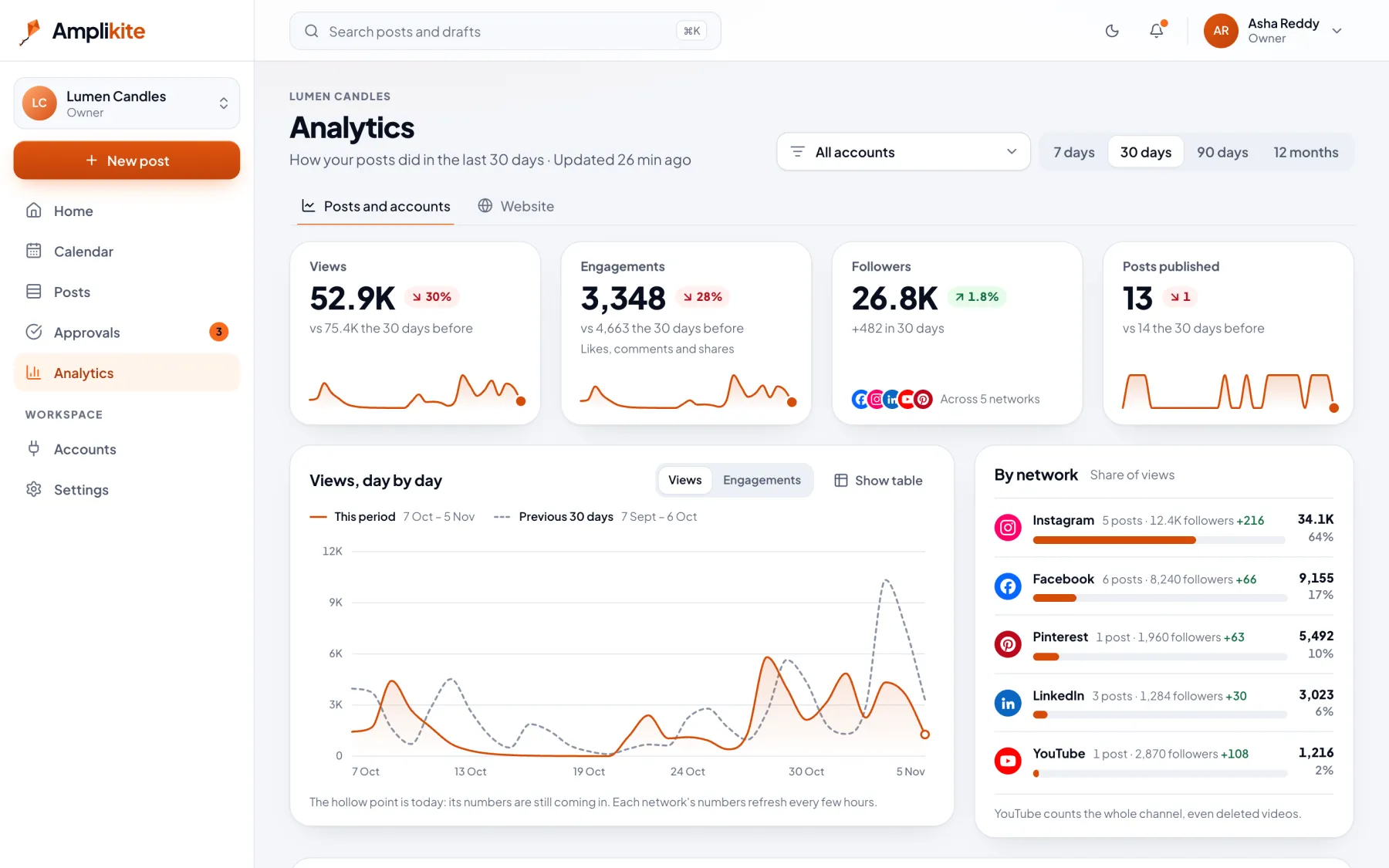
The things that usually live in five apps, three spreadsheets and a group chat.
Approvals
Share a private link. Your client sees each post exactly as it will appear, then approves it or asks for changes. No account, no password.
Photos and design
Design in Canva at the right size for your post, or pick from millions of free photos, without leaving Amplikite.
Best times
Amplikite looks at how your own posts did and tells you when to post next. Your audience, not industry averages.
Peace of mind
Amplikite tells you before a network's access runs out, and emails you if a post doesn't go out. Fix it, and try again in one click.
Teams
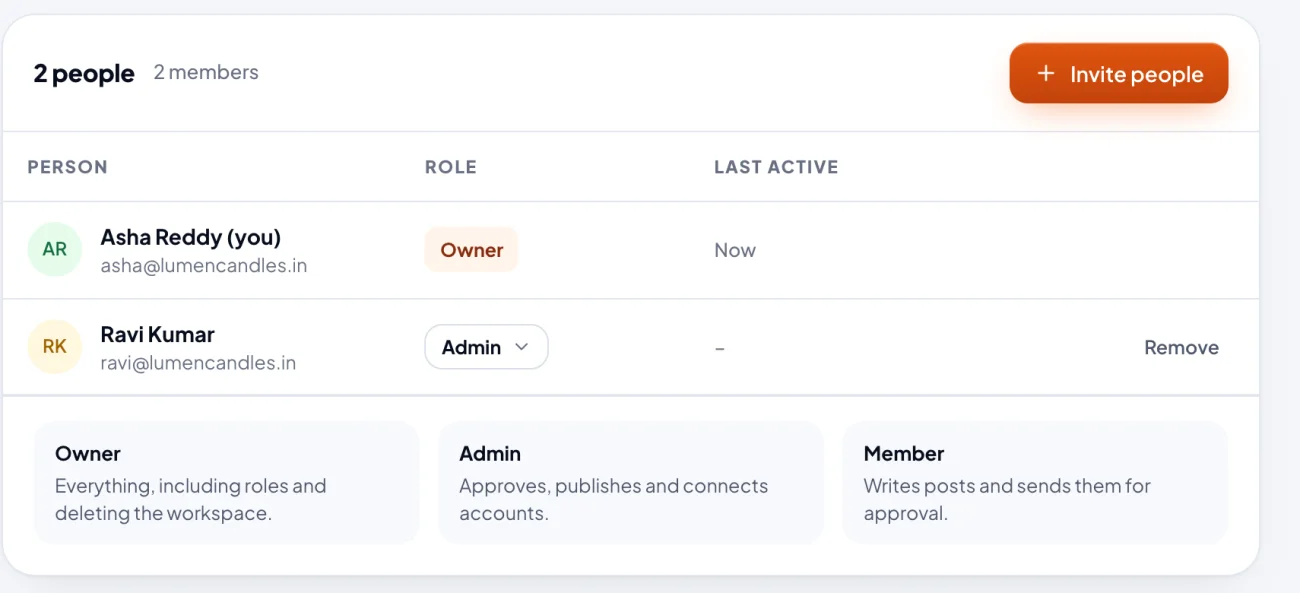
Invite your team by email. Owners run the workspace, Admins approve and publish, and Members write posts and send them for approval.
Each network has its own sizes, limits and rules. Amplikite knows them, checks your post as you write, and shows you how it will look.
Amplikite only ever gets the access you approve on each network.
YouTube channels, Instagram business and creator accounts, Facebook Pages, your LinkedIn profile, and Pinterest. Threads is coming soon.
No. You share a private link. Your client sees each post exactly as it will appear, then approves it or asks for changes.
No. You sign in on each network's own screen, and Amplikite only gets the access you approve there. You can disconnect an account at any time.
Amplikite emails you and keeps the post on the Posts page, so you can fix the problem and try again in one click. It also reminds you before a network's access runs out.
Yes. Invite people by email as Owners, Admins or Members. Members write posts and send them for approval; Admins approve, publish and connect accounts.
Yes. Everyone sees times in their own time zone, and each post goes out at the time you picked.
Make a workspace, connect your accounts and schedule your first post.




MSSo pretty! Ordering two for my mom 🧡