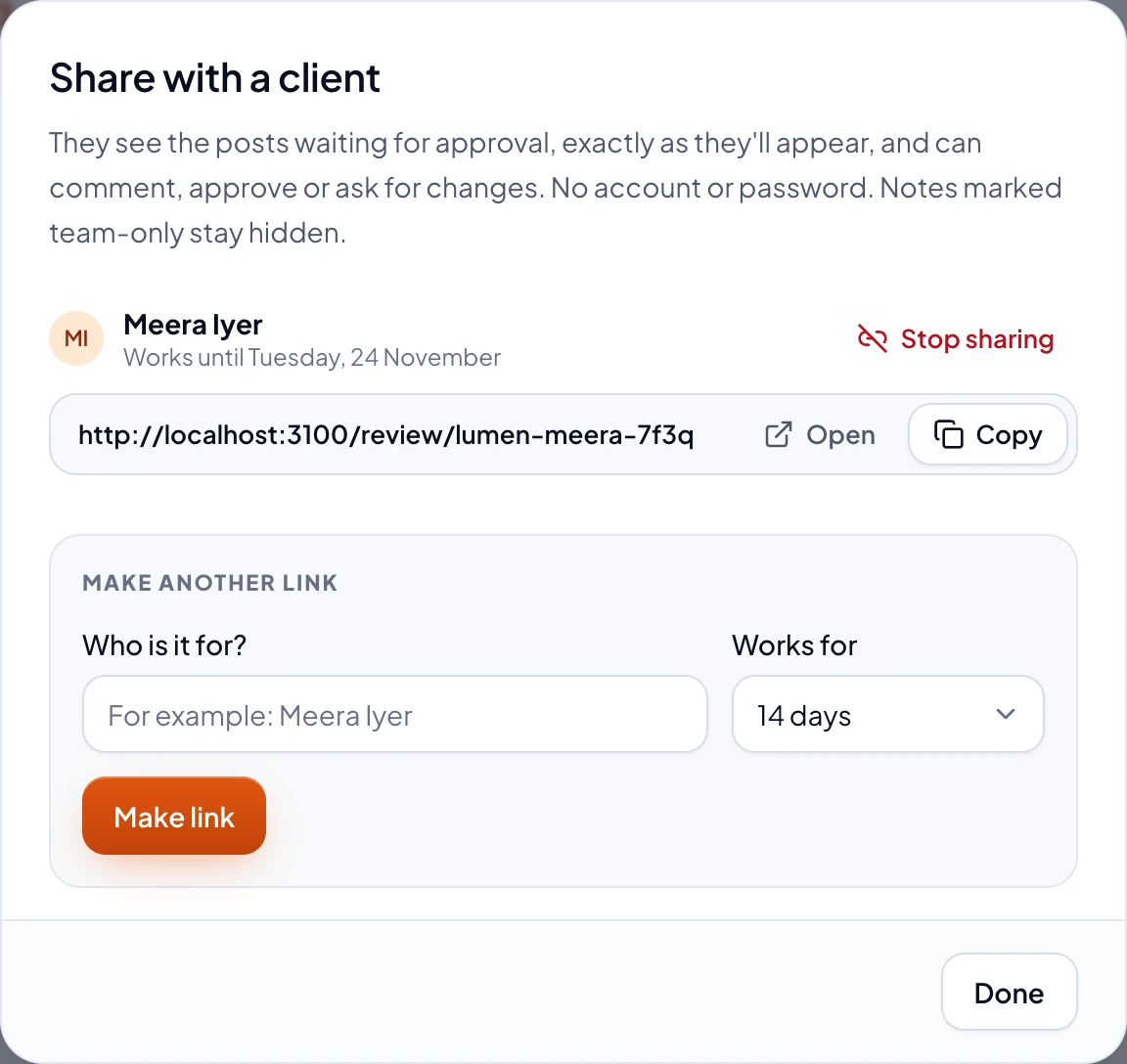
A client link shows someone outside your team the posts waiting for approval, exactly as they'll go out. They don't need an account or a password.
Make a link
- In Approvals, choose Share with client. Only Owners and Admins can.
- Under Who is it for?, type the client's name, and pick how long it works for: 7, 14 or 30 days.
- Choose Make link, then Copy, and send it to your client however you like.
What the client sees and does
Every post waiting for approval, as each network will show it, with any notes you let them see. For each post, they can:
- Approve it: it's approved, and goes out at its time.
- Ask for changes, saying what: it's sent back to its writer.
- Just comment, without deciding.
With more than one post waiting, Approve everything approves them all. You hear about each answer under the bell, and by email if your notifications say so.
Stop a link
Choose Share with client again, then Stop sharing next to the link. It stops working straight away. After its days are up, the client sees This link has expired: make a new one.