Open your name at the top right, then Profile. It's how your team and clients see you.
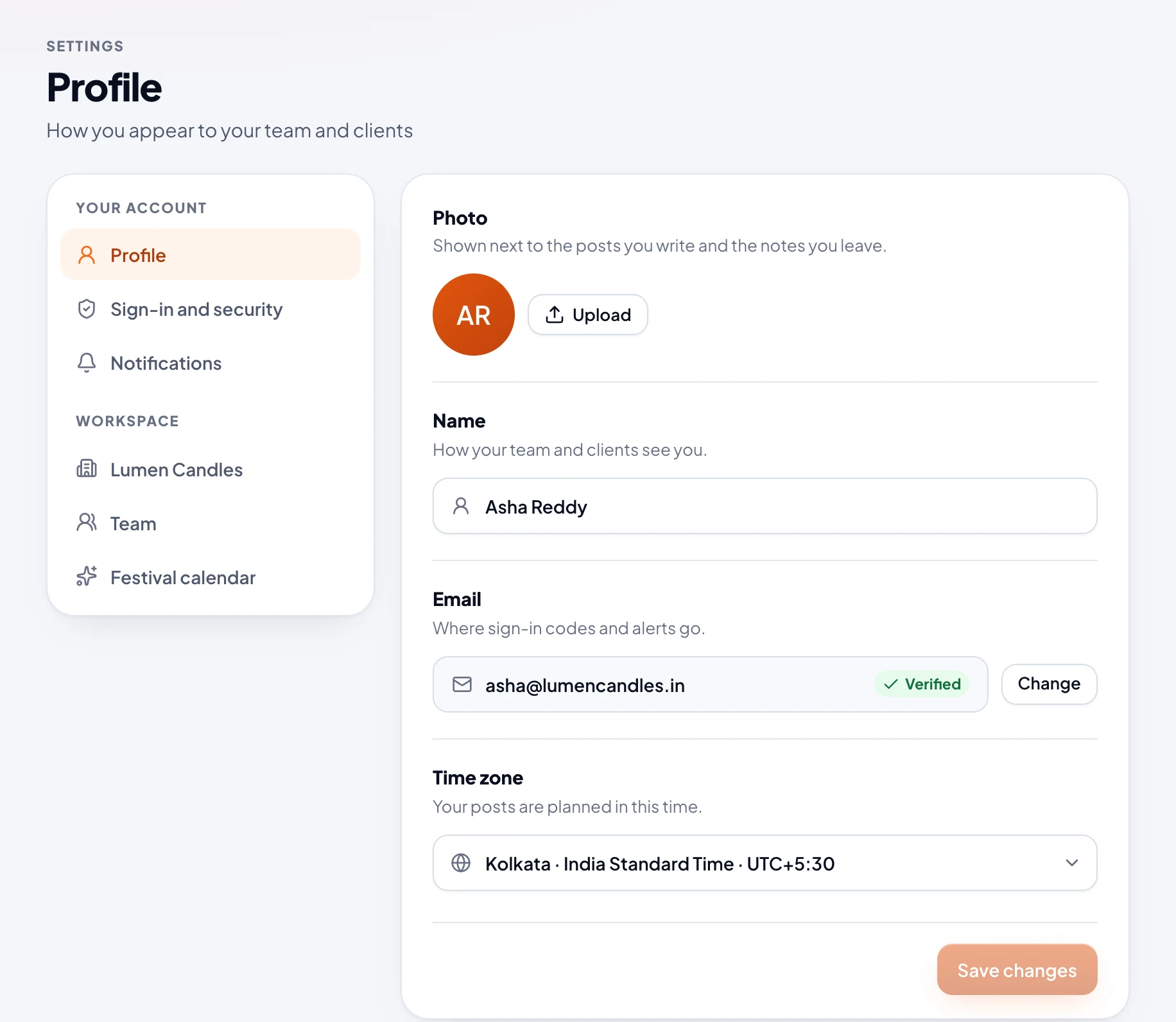
Photo
Choose Upload and pick a JPG, PNG or WebP picture. It's cropped to a square and saved straight away, and it shows next to the posts you write and the notes you leave. Remove puts your initials back.
Name and time zone
Change them, then choose Save changes. Every time in Amplikite shows in your own time zone. Posts already scheduled still go out at the same moment, and your weekly summary email comes at 9 AM on Mondays, your time.
Change your email
- Next to Email, choose Change.
- Type your new email and your password, then choose Send link.
- Open the email we send to the new address, and choose Confirm my new email. The link works once, for 24 hours, on any device.
Until you open it, your email stays the same, and Profile shows Send again and Cancel change. Only the newest link works. Once it changes, sign in with the new email, and we let your old address know.